Welcome to On My Disk Direct & On My Chat!
Welcome to the official documentation for On My Disk Direct (On My Disk 3.0) and On My Chat — a decentralized personal cloud and private AI platform where your files, knowledge index, and identity stay under your control. Data travels directly between your devices over encrypted WebRTC DataChannels, while the cloud gateway handles only signaling, discovery, and fallback relay.
📁 Core Storage, Nodes & Connectivity
Connect browsers, mobile devices, laptops, mini-PCs, and NAS boxes into a unified multi-device P2P storage fabric:
- Getting Started: Set up decentralized DID sign-in, connect browser or local folders, manage files across devices, and create secure public or DID shares.
- Decentralized Identity (DID): Self-sovereign
did:gunkeypairs, non-unique display nicknames with#tagfingerprints, one-click.jsonkeyfile backup & passwordless sign-in, and P2P node trust. - Node Deployment & Modes (Linux, OpenWrt, Windows, macOS): Install the standalone P2P node on Linux, OpenWrt routers (
mips/mipsel/armv7/arm64), Windows, or macOS (soon!), explore all supported operating modes (Storage-only, Local AI, Agentic P2P, Hybrid, Public Guest AI), and use WebSSH &omd-tunnel. - OpenWrt Routers: Dedicated
.ipkinstallation guide (mips,mipsel,armv7,arm64) for turning Wi-Fi routers with USB storage into< 5 WP2P cloud nodes and LuCI/SSH gateways. - External Cloud Storage (rclone): Mount ProtonDrive, WebDAV, and other external cloud providers directly into your node.
🤖 Private AI & On My Chat
Turn your storage into an intelligent, privacy-preserving workspace powered by On My Chat:
- Personal AI Node: Deploy On My Chat (
:4000) with local Ollama (CPU/CUDA), Rockchip RKLLAMA (NPU), Hybrid, or zero-GPU Agentic P2P inference — plus MCP tools. - Semantic Search: Search documents, photos, and people by meaning across languages using the unified multimodal vector index.
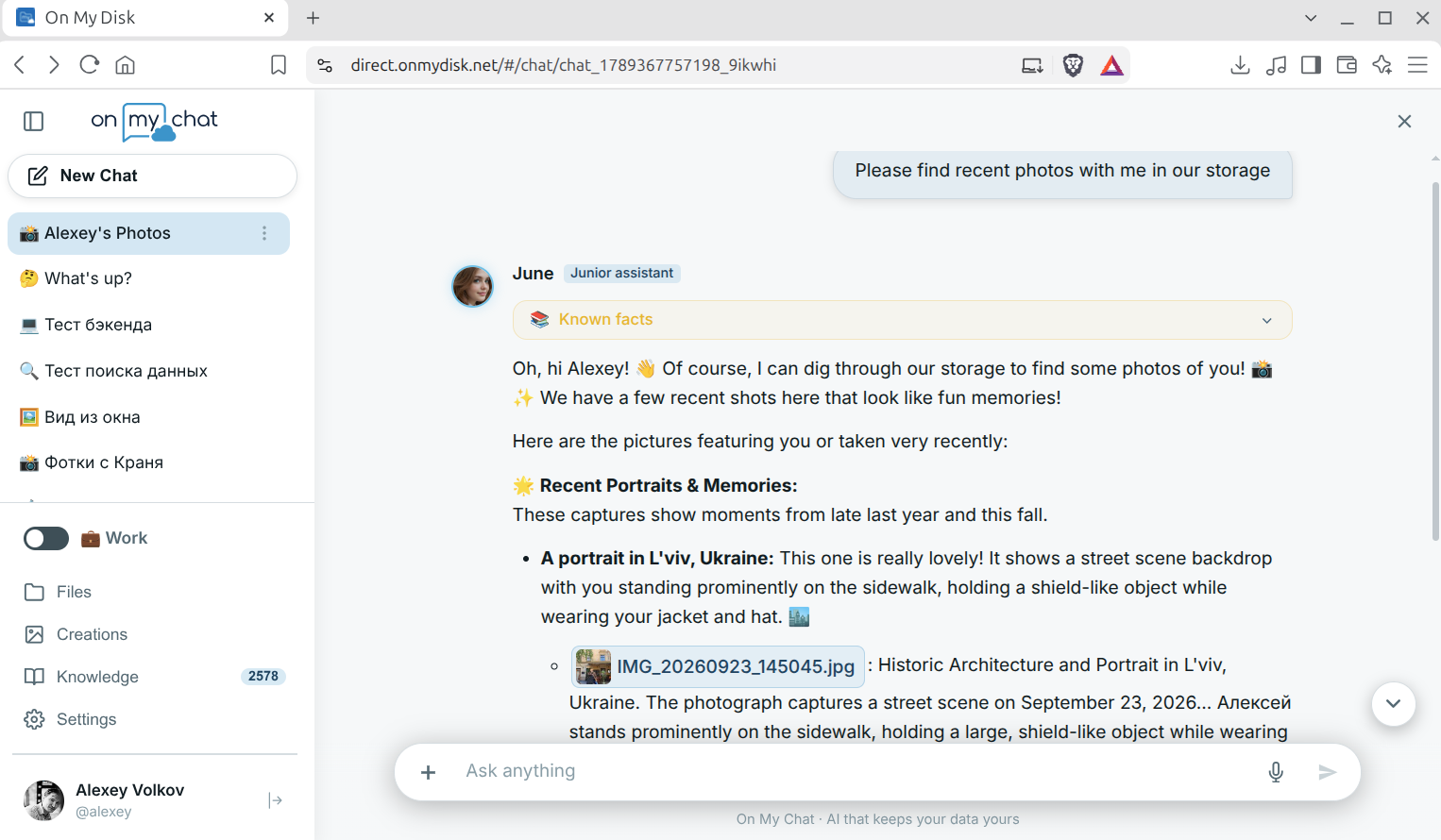
- Storage as Knowledge (RAG): Browse multimodal Memory Cards, find specific people and photos with on-device facial & vision recognition, and chat with your private documents.
- Agentic Loop & MCP: Automate multi-step tasks and Office document creation (
WordCraft,GridCraft,DeckCraft) in chat or connect external MCP agents. - Images Generation (Optional): Render artworks in Creations with CyberCraft (SDXL for modest VRAM) and Creative Studio (Krea 2 for high-VRAM GPUs) via local or P2P-tunneled ComfyUI.
- AI Horde & Dreamer Worker: Connect On My Chat to the crowdsourced AI Horde (
aihorde.net) for 120B+ roleplay/creative LLMs and turn your idle local ComfyUI GPU into a 24/7 Dreamer Worker with a built-in/hordeweb console to earn Kudos automatically. - Terminal & Coding: Access your nodes via the in-browser P2P SSH terminal and drive any autonomous TUI coding harness (OpenCode, Claude Code, Codex, Aider, Hermes) or connect desktop IDEs via
omd-tunneland MCP. - P2P App Proxy: Launch any localhost web application (
127.0.0.1:<port>— ComfyUI, GenVault, Memos, DocuSeal, Gitea, Home Assistant, and more) directly inside On My Disk Direct over encrypted WebRTC DataChannels with zero open firewall ports.
🌐 Publishing, Hardware & Project Info
- Sites Engine: Publish Jekyll websites directly from your storage node over P2P tunnels.
- Folder Synchronization: OMD 3.0 migration notes, mobile camera auto-sync, and backup workflows.
- Recommendations: Recommended hardware profiles (SBCs, mini-PCs, GPU servers, and CPU-only Agentic laptops) and best practices.
- About: Architecture principles and mission behind On My Disk.
- Support: Official community and direct support channels (Discord, Telegram, GitHub Issues, Email, and account/privacy help).
Select a guide from the sidebar or the links above to get started!